As someone who has been in the web development space since 1995, I completely understand the need for creating accessible websites for all. But it seemed clear to me that these lawsuits were intended to line the pockets of lawyers instead of actually creating a better online environment for the community.
For those of you who operate a small business and are interested in improving their websites, take a look at my previous post on web accessibility and make those updates or contact me directly. I’m happy to help!
I have worked on the web since 1995, managed large public websites for the University of Florida, and supported a major athletics site as a backup webmaster. Accessibility is real work, but it is also straightforward when you approach it in a practical order.
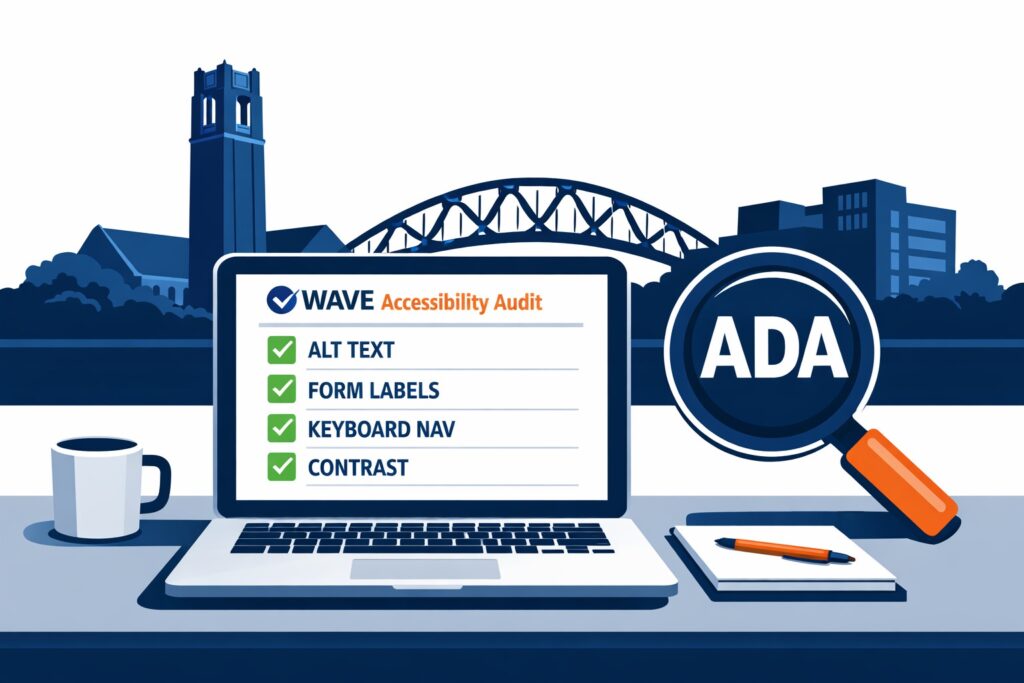
This post gives you a quick website checker, a short checklist, and a clear path to get help if you need it.
Step 1: Run a free website accessibility check (15 minutes)
Your platform (WordPress, Squarespace, Shopify, Wix, custom)
Whether you have online ordering, booking, or payments
Plain-language disclaimer
This post is general information, not legal advice. If you receive a legal notice, talk to an attorney. Separately, improving accessibility is still a smart move for usability, customer experience, and risk reduction.