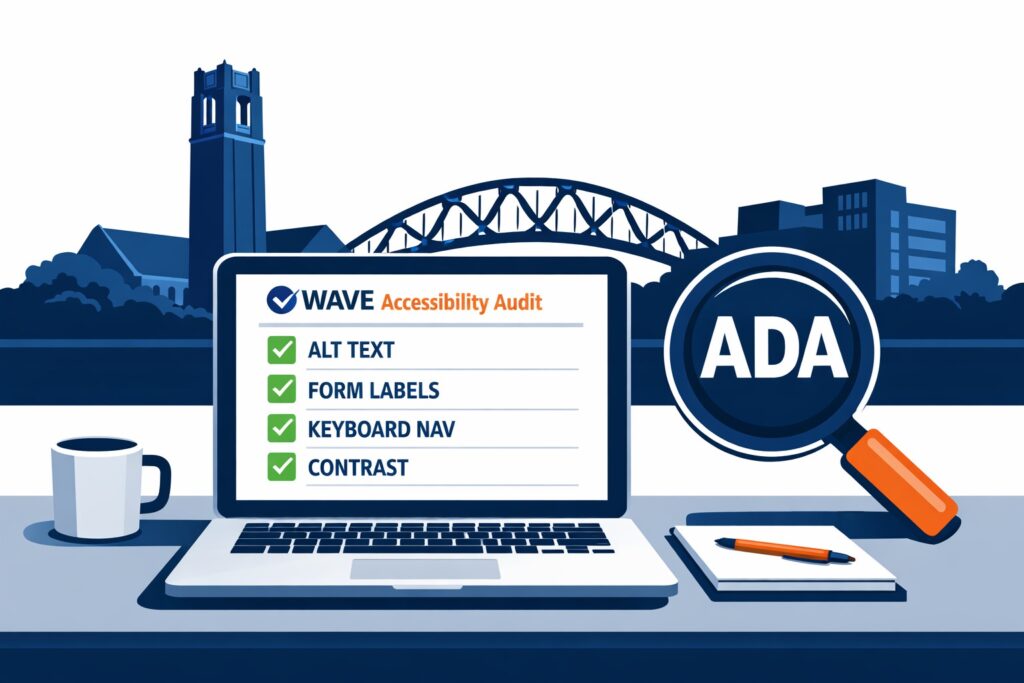
Gainesville Florida small businesses are hearing more about “ADA website accessibility” and “ADA compliance” and wondering what to do next. You do not need to become an expert overnight. You need a simple way to check your site, fix the most common problems, and document your progress.
I have worked on the web since 1995, managed large public websites for the University of Florida, and supported a major athletics site as a backup webmaster. Accessibility is real work, but it is also straightforward when you approach it in a practical order.
This post gives you a quick website checker, a short checklist, and a clear path to get help if you need it.
Step 1: Run a free website accessibility check (15 minutes)
Use the free WAVE Web Accessibility Evaluation Tool:
https://wave.webaim.org/
- Paste your homepage URL and run the scan.
- Repeat for these pages:
- Contact page
- Services page
- Any page with a form (quote request, booking, newsletter)
- Any page with online ordering or payments
- Save the results (screenshots or exported report) so you have a baseline.
Important: automated checkers do not catch everything. They are still the fastest way to spot common, high-impact problems.
Step 2: The simple checklist (focus on these first)
1) Images have meaningful alt text
- Logos, buttons, and important photos should have alt text that explains the purpose.
- Decorative images can have empty alt text, but do not leave critical images blank.
2) Forms have real labels (not just placeholder text)
- Every input needs a label a screen reader can identify.
- Common problem areas: contact forms, newsletter signups, checkout fields.
3) Your site works with a keyboard only
Do this test:
- Use Tab to move forward, Shift+Tab to move backward, Enter to activate, Esc to close popups.
If you cannot reach menus, buttons, or form fields, that is a problem.
4) Headings are structured correctly
- Headings should be in order (H1, then H2, then H3).
- Do not use bold text as a substitute for headings.
5) Text contrast is readable
- Light gray text on a white background is a common failure.
- Buttons and links need enough contrast too, not just body text.
6) Popups, menus, and modals do not trap users
- If you use popups (including search modals), users must be able to open, use, and close them with a keyboard.
- Focus should move into the popup and return to where it came from when closed.
7) Video and audio content is accessible
- Videos should have captions.
- Audio content should have a transcript when possible.
8) Third-party widgets are checked
If you use:
- Booking tools
- Online ordering
- Chat widgets
- Embedded maps
Those can introduce accessibility issues you did not code yourself. Test them with the keyboard and in WAVE.
Step 3: Quick fixes you can do this week
If you only do five things, do these:
- Add alt text to your key images (logo, hero image, call-to-action buttons, product images).
- Fix form labels for your contact and quote forms.
- Run the keyboard-only test on your menu, forms, and popups.
- Improve contrast on small text, links, and buttons.
- Add an Accessibility Statement with a clear way to contact you for help (email or phone).
Step 4: Know when to get professional help
You should consider a professional accessibility audit if any of these are true:
- WAVE shows multiple errors across your main pages.
- Your site includes payments, ordering, booking, or memberships.
- You rely on popups, sliders, or complex navigation.
- You want written documentation of issues found, fixes made, and re-test results.
How I can help (services for Gainesville small businesses)
If you want a clear plan instead of guessing, I offer practical accessibility services tailored to small business websites:
- Quick Accessibility Check
- Rapid review of key pages
- Prioritized fix list you can act on immediately
- Full Accessibility Audit
- Automated scans plus manual testing (keyboard and screen reader spot checks)
- Page-by-page report with specific recommendations
- Remediation
- I implement the fixes (or coordinate with your developer)
- Re-testing after changes and a simple change log
- Ongoing Monitoring
- Monthly or quarterly checks after site edits and plugin updates
- Helps prevent new issues from creeping back in
If you want me to review your site, visit my contact page and send me:
- Your website URL
- Your platform (WordPress, Squarespace, Shopify, Wix, custom)
- Whether you have online ordering, booking, or payments
Plain-language disclaimer
This post is general information, not legal advice. If you receive a legal notice, talk to an attorney. Separately, improving accessibility is still a smart move for usability, customer experience, and risk reduction.
Leave a Reply